PROJECT
/2015/ARCHIVED/Korgavus
Hardware-based intrusion detection system (IDS) for email traffic running on Raspberry Pi.
KEYWORDS:
+13
Korgavus is a hardware-based Secure E-Mail Gateway built as a Computer Engineering Bachelor's project. As capstone work, the focus was on system architecture and engineering integration rather than scientific novelty. It is a transparent network appliance that intercepts mail traffic, parses the content, and alerts on threats.
It runs on a #raspberry-pi with #arch-linux ARM. We chose Arch because the base install is minimal, which matters on hardware this small. The system works as an intrusion detection system (#IDS), not an IPS: it never blocks traffic, so a false positive cannot break anyone's email. It sits silently on the wire and alerts the admin when something looks wrong.
TCP streams are reconstructed in real time with #libnids, so we can inspect the full email payload, not just the headers.
System Architecture
The device is transparent. It bridges the outside world and the internal network (
br0) and inspects traffic without holding an IP address on the filtering interfaces.Physical Topology
Two network interfaces form a physical bridge. All traffic flows through Korgavus, so no packet reaches the internal mail server without passing the #c capture engine.
Loading diagram...
Data Processing Pipeline
Capture and analysis are separate stages. The #libnids layer in #c does the TCP reassembly, and #python workers handle the analysis logic.
Reconstructed emails are pushed to a #rabbitmq queue. If an analysis step is slow, for example scanning a large attachment, it only delays that worker. The capture path and the network traffic itself are unaffected.
Loading diagram...
Key Capabilities
SMTP State Verification
Korgavus understands the SMTP protocol, not just the message text. It validates the state machine of each transaction, so a sender issuing commands out of order or probing for protocol vulnerabilities is flagged immediately.
Malware Detection
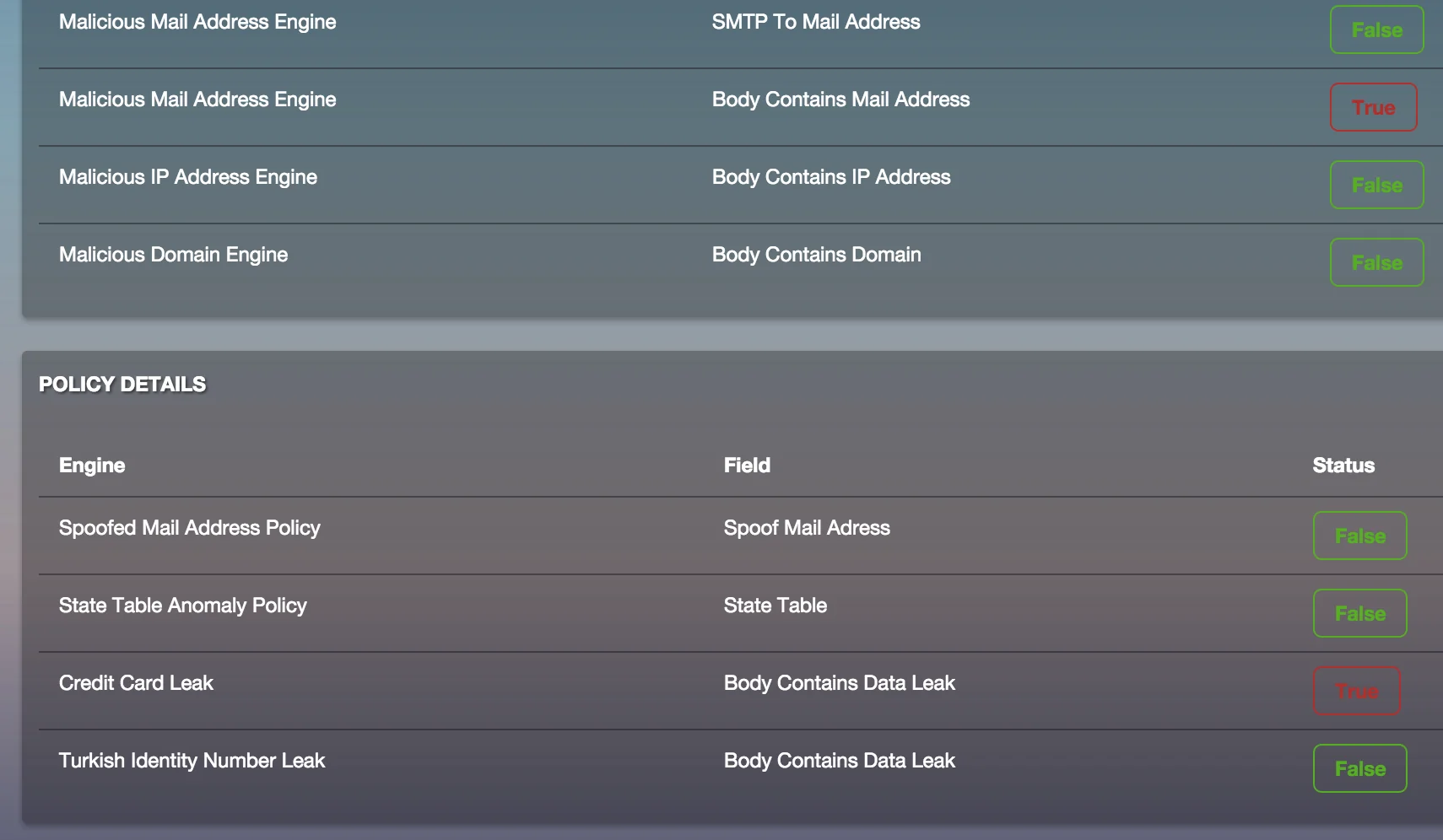
Attachments are matched against #yara rules. This identifies #malware families by the byte sequences and strings inside executables and documents, not only by file hash.
Data Leak Scan
Outgoing traffic is checked for internal mistakes. The system alerts instead of blocking, so a false positive never stops legitimate work.
- •Financial data: credit card numbers are validated with the Luhn algorithm.
- •Sensitive info: regex rules catch personal ID numbers and "Confidential" markers.
Threat Intelligence
Static rules are only half the picture. A background crawler pulls data from open threat feeds, such as Zeus Tracker, and stores the raw entries in #mongodb. During analysis, each email is checked against this data.
- •Dynamic reputation: senders whose IPs appear on malware lists are flagged.
- •Spam detection: RBL lookups identify known spam sources.
The "War Room" Dashboard
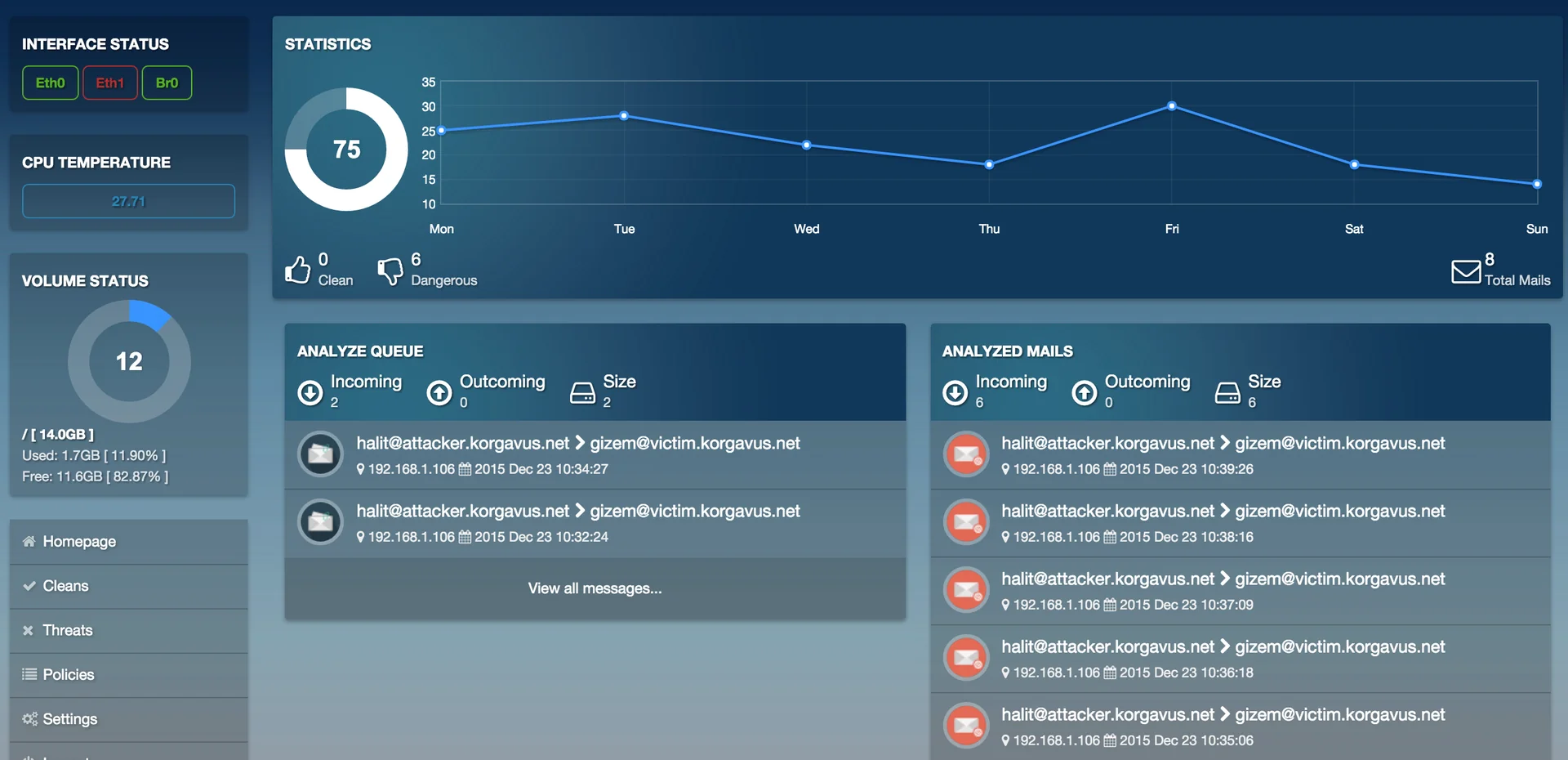
A #django web interface, styled with #bootstrap and backed by #postgresql, shows the live state of the network.
- •Live feed: emails and alerts appear in real time.
- •Hardware stats: the Pi runs close to its limits, so the dashboard tracks CPU temperature and load.